
Usage, Billing, and Quota
Training and sampling consume quota. Weaver records usage by Organization and Project so you can see where tokens and cost came from.
What Is Charged?
Usage is split into four token types:
| Usage type | Meaning |
|---|---|
| Training | Tokens processed during forward/backward training |
| Input | Sampling input tokens not served from cache |
| Cached input | Sampling input tokens served from cache |
| Output | Tokens generated during sampling |
The Supported Models page shows the price for each type in USD per one million tokens.
View Usage
Open Usage & Billing, select a date range, and optionally choose a Project. The page shows:
- available quota and spend for the selected period;
- token usage grouped by day and model;
- usage and cost grouped by model and operation.
Choosing All Projects shows the whole Organization. Choosing one Project limits the view to experiments in that Project.
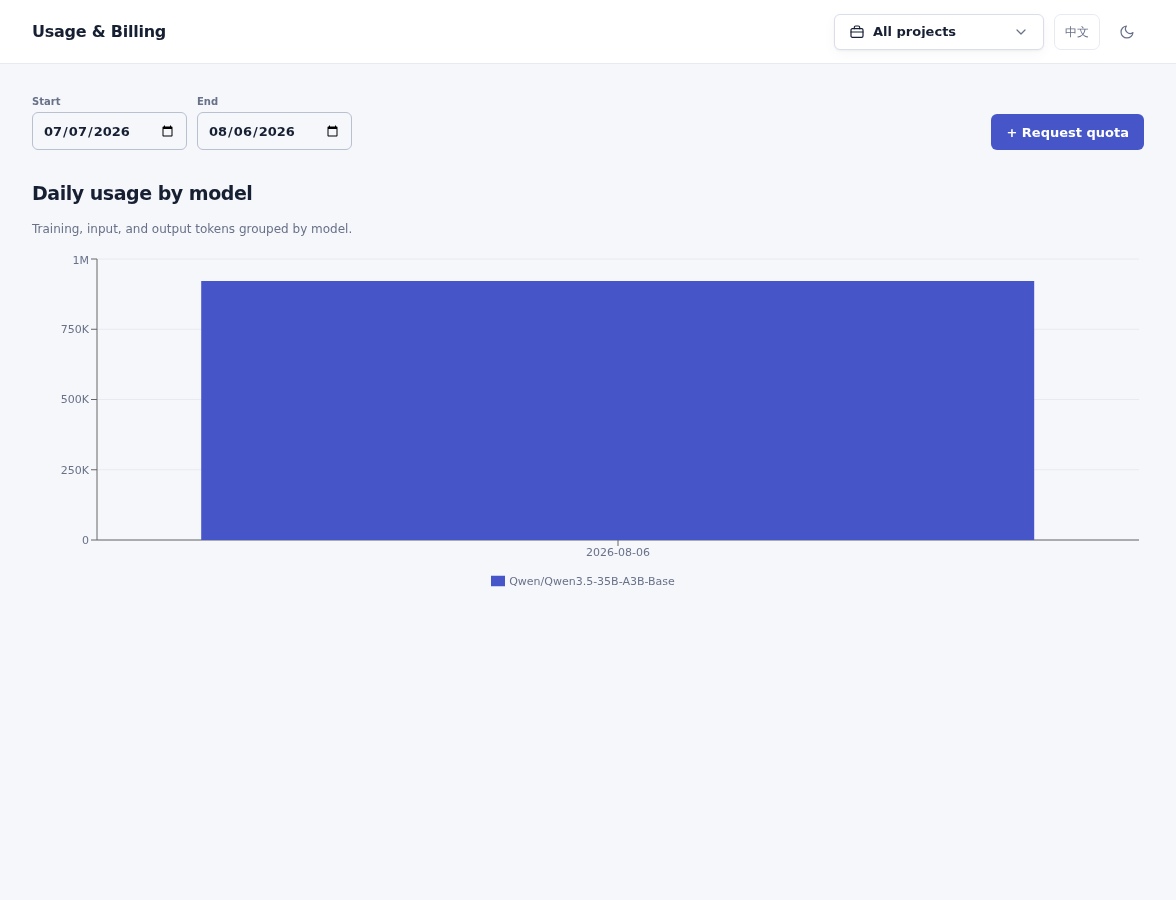
Choose a date range and Project to inspect daily model usage.
Quota Balance
Quota is the amount currently available to your account in an Organization. Running requests may temporarily reserve part of it; the displayed balance updates when those requests finish.
If the available quota cannot cover a request, Weaver rejects it before training or sampling begins. The rejected request does not add billable usage.
Request Quota
On Usage & Billing, select Request quota, enter an amount in USD, and explain what it will be used for. You can track the request on the same page as pending, approved, or rejected.
nex-weaver 1.10 or newer provides the same account-level actions:
balance = client.get_quota_balance()
request = client.request_quota("25.00", reason="evaluation run")
history = client.list_quota_requests(limit=20)Pass amounts as decimal strings to preserve exact precision. AsyncServiceClient provides awaitable versions of these methods.
Common Errors
| Status | What to do |
|---|---|
402 quota_exceeded | Request more quota or reduce the size of the operation |
429 rate_limited | Retry after the returned Retry-After interval |
503 metering_unavailable | Usage information is temporarily unavailable; retry later |